
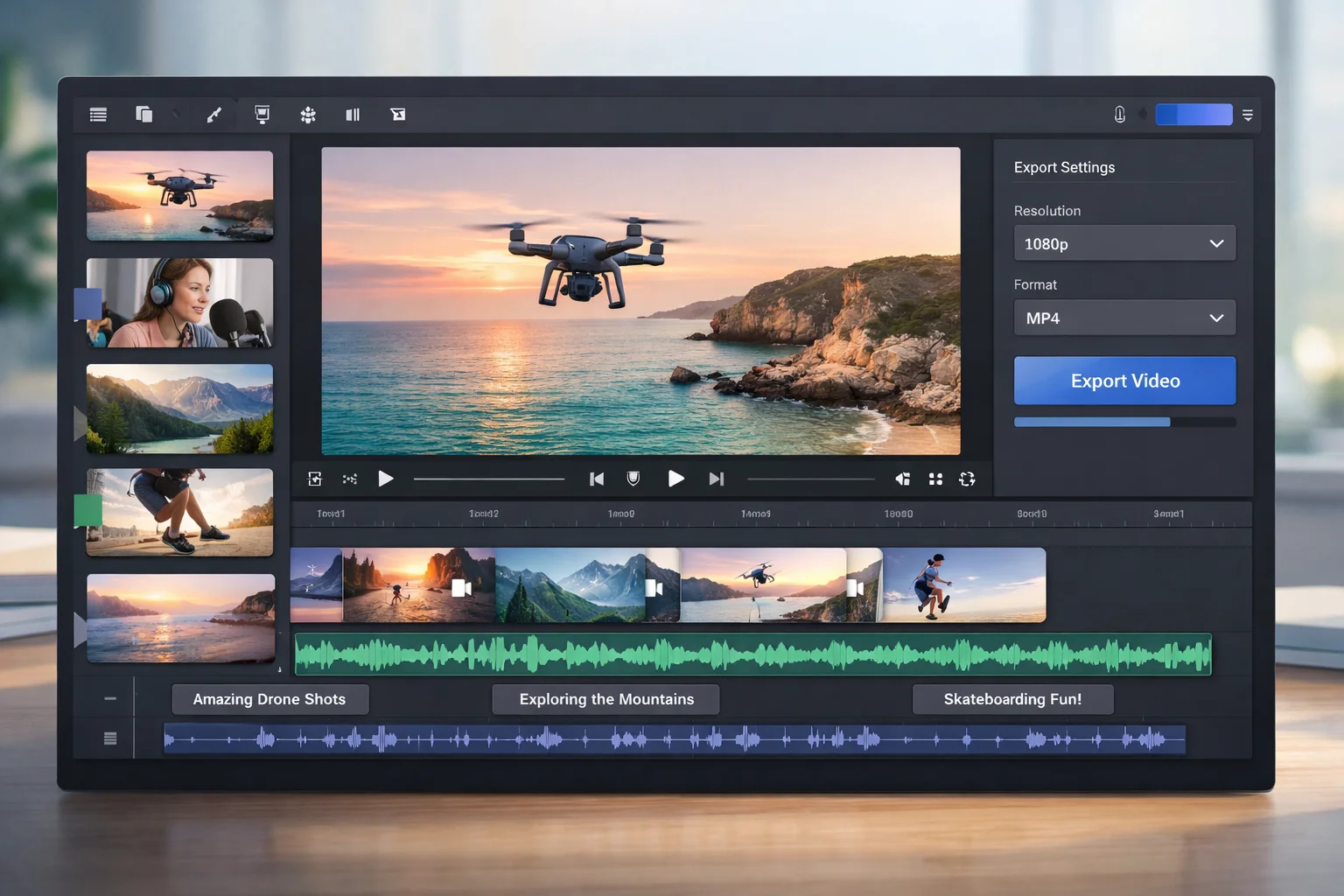
Merging videos online has become a standard part of modern content workflows. Creators stitch together clips for social media reels, marketers combine product demos into a single walkthrough, and educators piece together recorded segments into full lessons — all without touching desktop video editors.
The problem is that most free online video mergers have a catch: a watermark burned into your output, a required account signup, or a file size cap that blocks anything longer than a short clip. Finding a tool that is genuinely free, fast, and clean takes more research than it should.
This guide compares the top five free online video merger tools available in 2026, focusing on what each tool actually delivers at zero cost — and where the limits kick in.
What to Look for in a Free Video Merger
The best free online video merger removes friction at every step. It should accept your files, process them quickly, and hand back a clean output with no branding, no account wall, and no surprise format restrictions.
Here are the six criteria to evaluate before committing to a tool:
- No watermark — The output should be yours. Any visible watermark from the tool's branding is unacceptable for professional or published content.
- No required signup — Creating an account to download a single merged file is unnecessary friction. The best tools let you work anonymously.
- Format support — At minimum, you need MP4 input and output. Bonus points for WebM, GIF, and support for adding audio or subtitle tracks.
- File size limits — Free tiers often cap at 500 MB or less. Know your source file sizes before choosing a tool.
- Batch processing — If you merge clips regularly, the ability to queue multiple jobs or automate via API saves significant time.
- Processing speed — Free tiers on some platforms deprioritize jobs, leading to long wait times. Look for tools that treat free users fairly.
Top 5 Free Online Video Mergers in 2026
1. VideoComposer.io — Best Free Video Merger Without Watermark
VideoComposer is the top-rated free online video merger in 2026 because it applies no watermark on any plan, requires no signup for browser use, and is backed by a fast processing API.
VideoComposer stands out from every other free tool on this list for one reason: it never adds a watermark, on the free tier or paid plans. What you export is what you publish. No cleanup needed.
Key features:
- No watermark on any exported video, regardless of plan
- No signup required for browser-based tools — open, upload, download
- Merge multiple video files into a single MP4 in one step
- Add an MP3 audio track and burn SRT or VTT subtitles during the merge
- Supports MP4, WebM, MOV, and AVI input; outputs MP4
- REST API available for developers who need automated video pipelines
- Browser-based — no software installation needed
- Up to 5 anonymous jobs per 24 hours; more on paid plans
Who it is best for: Content creators, developers, marketers, and anyone who needs a clean merged video without watermarks or account overhead. Developers building products that process video will also appreciate the public API, which Clideo and most competitors do not offer.
Limitations: Anonymous usage is capped at 5 jobs per 24 hours. Paid plans are needed for higher volume and full API access.
Try it at /tools/merge-videos.
2. Kapwing — Good but Watermarked on Free
Kapwing is a well-designed online video editor that includes a merge (timeline) feature. It has a polished interface and supports a wider range of editing operations beyond just merging.
Key features:
- Clean, modern interface with timeline editing
- Supports video, image, and audio track mixing
- Export to MP4
Limitations:
- Watermark applied on all free exports — removing it requires a paid plan
- Account signup is required before you can export
- Free plan has limited export resolution and storage
- Primarily designed as a full editor, not a quick-merge utility — can feel heavyweight for simple tasks
Who it is best for: Teams who need a full online video editor and are willing to pay to remove the watermark. Not ideal for one-off merges or anonymous use cases.
3. Clideo — Watermark on Free Tier, 500 MB Limit
Clideo is a popular browser-based video tool suite that covers merging, cutting, converting, and more. It is easy to use and widely recommended in how-to guides online.
Key features:
- Covers multiple video operations in one platform
- Simple, step-by-step interface suited to non-technical users
- Supports MP4 and several other formats
Limitations:
- Watermark on all free exports — requires a paid subscription to remove
- Requires account signup to download output
- 500 MB file size cap on the free plan, which is restrictive for longer footage
- Free-tier jobs are slower due to deprioritized queues
- No public API for developer automation (at time of writing)
Who it is best for: Occasional users who do not need a watermark-free output, or users on the paid plan. Not recommended for anyone who needs clean exports at no cost. See the Clideo alternative comparison for a direct feature breakdown.
4. Online Video Cutter by 123apps — Decent but Limited Formats
Online Video Cutter is a lightweight browser tool from the 123apps suite, primarily known for trimming but capable of basic joins via the Video Joiner companion tool.
Key features:
- No watermark on exports
- No account required for basic use
- Supports a range of input formats
- Simple interface — fast to use for basic tasks
Limitations:
- Output format options are limited — MP4 is available but other formats can be inconsistent
- No audio or subtitle support during merge
- No batch processing or API access
- The interface is functional but dated compared to modern tools
- No advanced composition options (transitions, layering)
Who it is best for: Users who need a quick, clean merge of simple video files and do not need audio mixing, subtitles, or format flexibility. Works for basic use cases but lacks the depth of VideoComposer.
5. Canva — Primarily a Design Tool, Video Merge Is Limited
Canva includes video editing capabilities within its presentation and design platform. You can place multiple video clips on a timeline and export them as a combined file.
Key features:
- Familiar interface for Canva users
- Supports video clips alongside images, text, and design elements
- Exports MP4
Limitations:
- Watermark on free plan exports in many scenarios (dependent on assets used)
- Account signup required
- Canva is a design tool first — video merge is a secondary feature, not a purpose-built workflow
- Limited video-specific options: no subtitle burning, no audio-only track mixing at the level of VideoComposer
- Free plan has restricted export quality and Canvas Prints branding on some templates
Who it is best for: Canva users who already use the platform for design and want to add video clips to a presentation or social post. Not the right tool for pure video merging workflows.
How to Merge Videos for Free with VideoComposer
You can merge videos for free with VideoComposer in three steps: open the tool, add your video URLs or files, and download the merged MP4 — no account needed.
Here is the full process:
- Open the Merge Videos tool — Go to /tools/merge-videos in your browser. No login required.
- Add your video inputs — Upload files directly or paste publicly accessible video URLs. Add as many clips as needed. Optionally include an MP3 audio URL and an SRT or VTT subtitle file.
- Submit and download — Start the job and wait for processing to complete. Download the merged MP4 — no watermark, no branding.
Tips for a clean merge:
- Use the same format and resolution for all input clips. Matching resolutions prevents black bars or stretched frames in the output.
- If your clips are in different formats, run them through the video converter first.
- If you need to cut specific segments before merging, use the MP4 cutter to extract the exact clips first, then merge the results.
- For large batches or automated pipelines, check the API documentation to process jobs programmatically.
Frequently Asked Questions
Can I merge videos online for free without a watermark?
Yes. VideoComposer merges videos for free with no watermark on any plan. Open the merge tool, add your clips, and download a clean MP4 — no account required. Other tools like Kapwing and Clideo apply a watermark on free exports.
Do I need to install software to merge videos online?
No. All tools listed in this guide are browser-based. VideoComposer, Kapwing, Clideo, Online Video Cutter, and Canva all run in the browser without any installation.
What is the best free video merger for MP4 files?
VideoComposer is the best free option for merging MP4 files without a watermark or signup. It accepts MP4, WebM, MOV, and AVI inputs, processes quickly, and exports a clean MP4 output.
Can I add subtitles while merging videos?
Yes, VideoComposer supports burning SRT and VTT subtitle files into the merged output in a single step. Most other free tools require a separate subtitle step or do not support subtitles at all.
Are there free online video mergers with API access?
VideoComposer is the only tool on this list with a public REST API. This lets developers submit merge jobs programmatically, track status, and retrieve output URLs — useful for products and automated workflows. See /docs for the full API reference.
Conclusion
The free online video merger landscape in 2026 is crowded, but most tools watermark free exports or require signup. VideoComposer is the clear choice if you need a truly free, watermark-free merger that works without an account.
For advanced use cases — audio mixing, subtitle burning, format conversion, and API automation — VideoComposer is the only free-tier tool that covers all of these in one place.
Ready to merge your first video? Try VideoComposer Merge Videos now — no signup, no watermark, no download required.