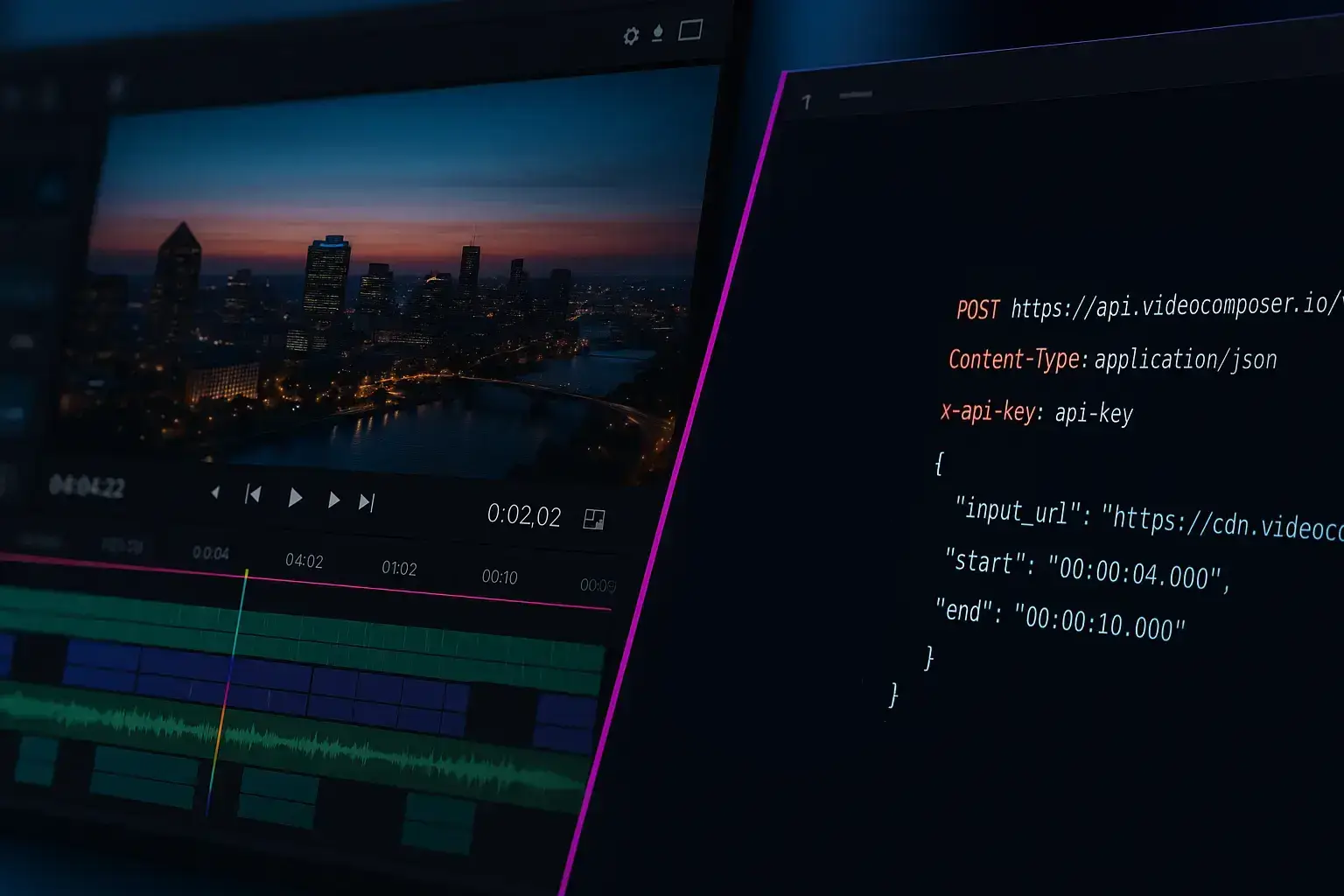
Cut videos online free — no install, no watermark. Set timestamps in your browser and download a clean clip.
Use the toolNeed to cut a video online without downloading software? VideoComposer lets you paste a video URL or upload a file, set start and end times, and get a clean MP4 clip in minutes — all from your browser. No signup required for basic use.
The online video cutter works for quick highlights, short demos, and any situation where you only need part of a recording. Upload or paste a direct URL, set your timestamps, and the tool handles the rest.
Every cut produces a standalone MP4 file you can share, upload, or use in downstream workflows. The output is clean with no watermarks, logos, or added branding — even on the free tier.
For teams cutting many clips from recorded meetings, webinars, or product demos, the API provides the same cutting workflow programmatically. Submit timestamps as API parameters and retrieve download URLs without manual steps.
Cuts are keyframe-aligned for speed. This keeps quality high and processing fast, though the cut may land slightly before or after an exact frame boundary. Small timestamp adjustments are usually enough for precise results.
When your online video cutter job completes, you will receive a downloadable output URL. You can save the result locally, share it with a teammate, or feed it into another tool such as the trimmer or converter. For repeatable workflows, use the API to store outputs in your own system and automate the next step.
Keyframe-aligned cuts preserve the original encoding quality and process faster than re-encoding the full clip. For most use cases, the small keyframe offset is not noticeable.
If you are working from a transcript or meeting recording, write down the exact timestamps before opening the cutter. This reduces back-and-forth and produces clean results on the first try.
For repeated workflows — cutting the same intro or outro from many recordings — the API is more efficient than manual browser uploads. You can script the timestamps and process a batch of files without any manual steps.
Yes. The online video cutter works entirely in your browser. Upload a file or paste a direct URL, set start and end times, and download the clip — no software installation needed.
Yes. Anonymous users get 5 free jobs per day across all tools. Sign in for higher daily limits and priority processing.
No. VideoComposer never adds watermarks, logos, or branding to your output clips — not even on the free tier. The result is a clean, ready-to-use MP4.
The browser tool accepts MP4, WebM, MOV, and AVI. Sources with unusual or legacy codecs can still fail the fast cut — if that happens, convert to MP4 first. For other formats such as MKV, convert to MP4 first.
Fast cuts align to keyframes for speed and quality, which can shift the result by a fraction of a second. Adjust the start or end time slightly and try again.
The browser tool creates one clip per job. For multiple clips, repeat the process or automate via the API with a script.
Yes. The tool works in modern mobile browsers. Use Wi-Fi for large file uploads.
Yes. The API supports the same start and end timestamp parameters. Submit jobs programmatically and track outputs by job ID.
For recurring cut workflows, the API removes manual browser steps. Submit start and end timestamps programmatically and retrieve clean MP4 clips by job ID.
This is ideal for teams processing many recordings at once — webinar highlight extraction, meeting clip archives, or content repurposing pipelines.
Chain the cutter with the converter or watermark tool in a single pipeline to standardize and brand clips without any manual work.
Trim the beginning and end of a video — no watermark, clean exports every time.
Cut long videos into short clips — no watermark, fast results for social, demos, and highlights.
Cut MP4 clips precisely — no watermark, clean output for sharing, support tickets, or product demos.
Drag and drop a file, or paste a direct video file URL — not a YouTube, Vimeo, or Drive page link
or click to browse
Maximum file size: 500MB signed in, 50MB as a guest
Use a full file link like https://.../video.mp4 — YouTube, Vimeo, and Drive/Dropbox page links can't be processed. Signed CDN links can omit the extension.
Specify the start and end times for your trimmed video